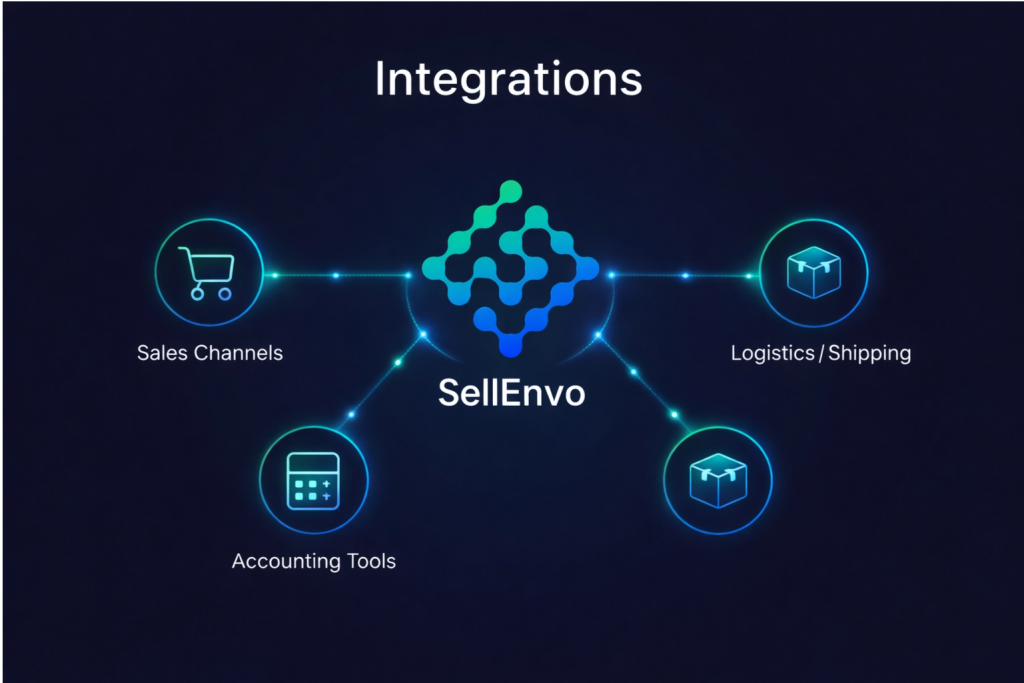
The Integrations menu in SellEnvo is where you connect and manage all external platforms that support your business operations.
Inside this section, you can view connected channels, add new integrations, monitor connection status, and manage synchronization settings — all from one centralized place.
Key Categories in the Integrations Menu

Sales Channels
Manage and connect your online marketplaces and stores.
This allows you to sync products, inventory, and orders across multiple platforms.
Shipping
Integrate shipping providers to manage rate calculations, label creation, and fulfillment workflows.
Fulfillment & 3PLs (Coming Soon)
Future integrations that will allow advanced fulfillment and third-party logistics management.
What You Can Do from This Menu
- View integration status
- Add new channels
- Configure sync settings
- Enable or disable integrations
- Monitor connection health

Use the following articles in this section to learn how to access integrations, add new channels, and manage settings step-by-step.