

Adding a New Channel Integration
Connecting a new sales channel to SellEnvo is simple and only takes a few steps.
Step 1: Go to the Integrations Menu
Log in to your SellEnvo account and click Integrations from the top navigation bar.
Step 2: Open Sales Channels
Inside the Integrations section, select Sales Channels.
Step 3: Click Add Channel
Click the Add Channel button to start a new integration.

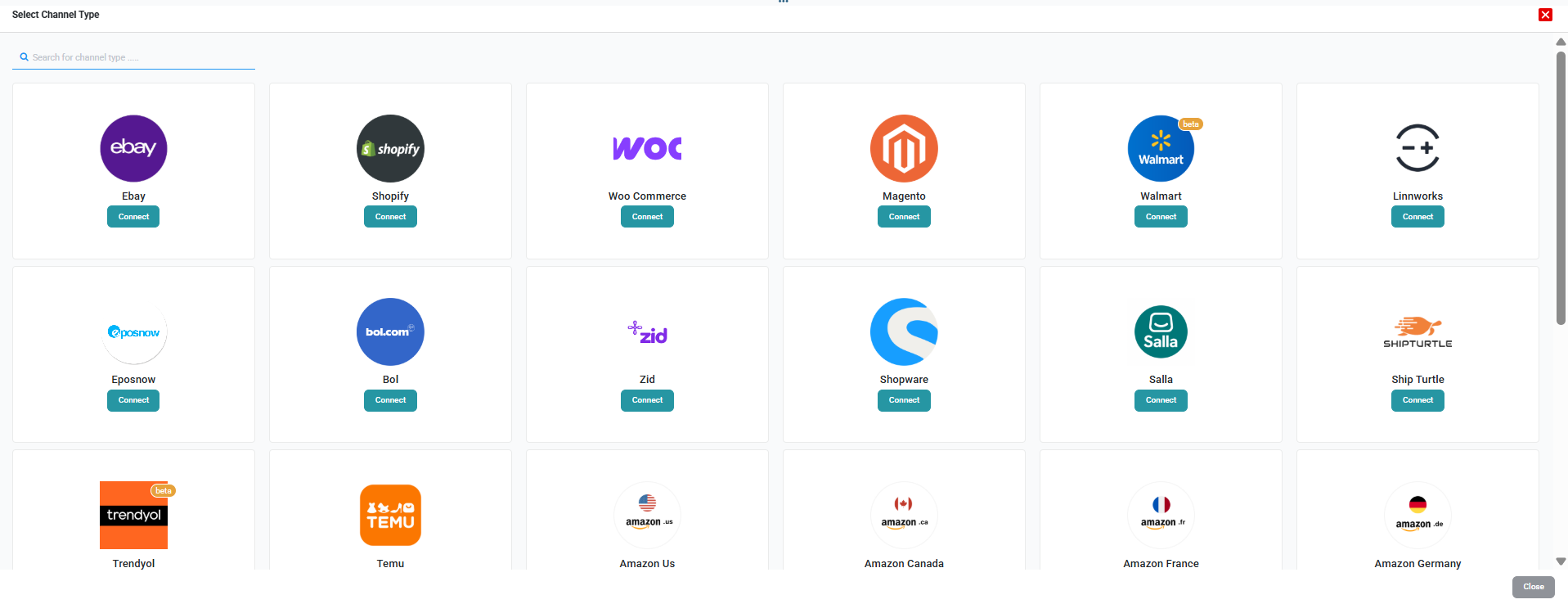
Step 4: Select Your Channel
Choose the channel you want to connect (e.g., Amazon, Shopify, eBay, etc.).
Step 5: Complete the Setup
Follow the channel-specific setup instructions displayed on the screen.
Each channel may require API credentials, authentication, or account permissions.
Once completed, the channel will appear in your Sales Channels list with its connection status.

