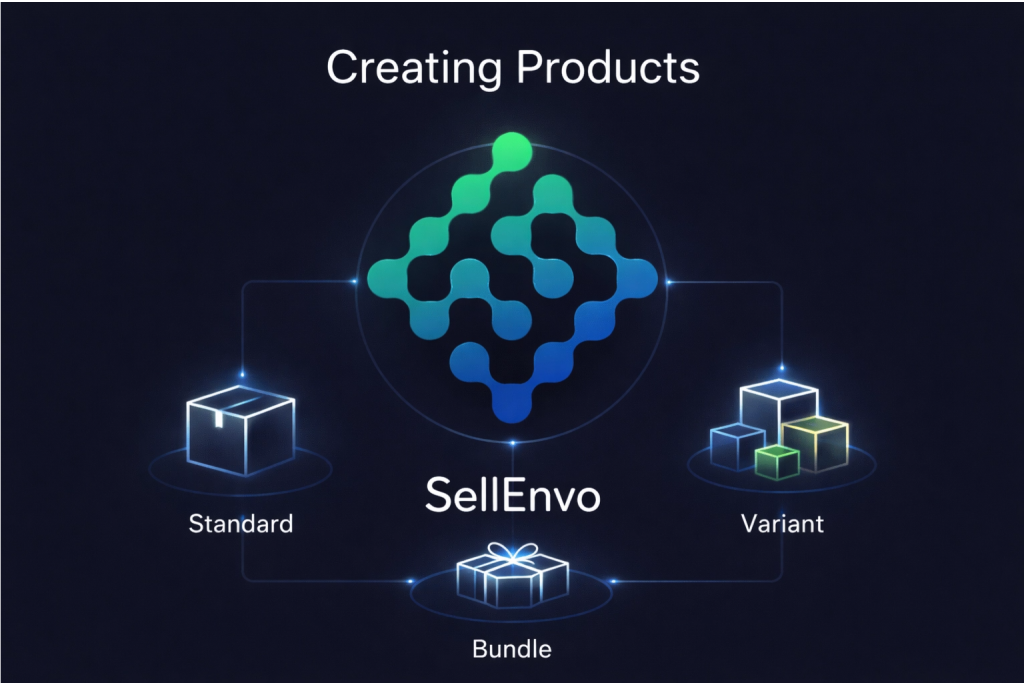
The Creating Products section explains how to add new products to your SellEnvo catalog. Creating products is the first step before managing inventory, pricing, listings, and sales channels.
SellEnvo allows you to create different types of products depending on how they are sold. You can add single products, products with variations, or bundles that group multiple items together.
When creating a product, you will first select a product template and then choose the appropriate product type. After that, you can enter the product details such as title, SKU, description, images, and other configuration settings.
This section will guide you through the process of creating products and explain how to add the following product types:
- Standard Products – Single items with no variations.
- Variant Products – Products with multiple options such as size or color.
- Bundle Products – A group of products sold together as a package.
By understanding these product types, you can structure your catalog efficiently and manage your products across different sales channels.