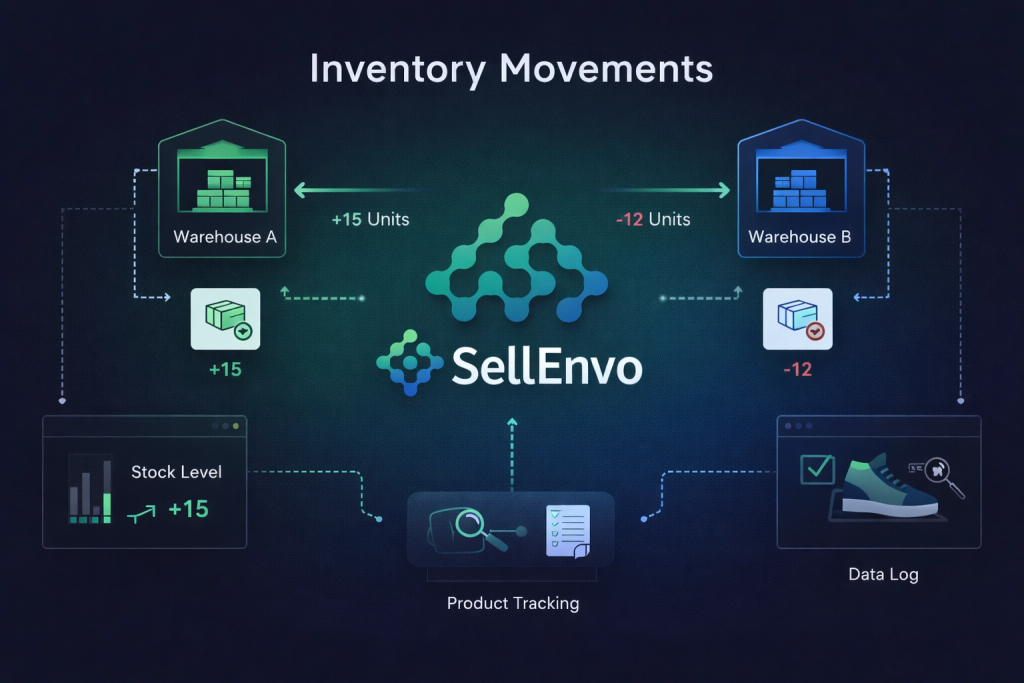
The Inventory Movements section in SellEnvo allows users to track changes made to product inventory across the system. It provides visibility into stock activity by recording when inventory changes occur, which product was affected, the quantity involved, the warehouse location, and the related source of the movement.
This section helps businesses monitor inventory history and maintain accurate stock records.
Accessing Inventory Movements
To access Inventory Movements:
- Navigate to Inventory Management from the top navigation bar.
- Click Inventory Movements.
The Inventory Movements area includes different movement-related views available from the left sidebar.
Inventory Movements Structure
Within this section, the following pages are available:
- Inventory Audit Trail
- Inventory Adjustments
- Warehouse Transfer
These views help users review different types of stock movement activity across the system.
Inventory Audit Trail
The Inventory Audit Trail page displays a list of inventory movement records in a table format.
Each record includes the following details:
- Movement Date – The date and time when the movement occurred.
- Product SKU – The SKU of the affected product.
- Quantity – The quantity involved in the movement.
- Warehouse – The warehouse where the movement took place.
- Status – The current status of the movement record.
- Link – A related reference, such as an adjustment record.
This page helps users review inventory activity history and trace stock changes back to their source.
Searching and Filtering Inventory Movements
The Inventory Audit Trail page includes tools that help users manage large sets of movement records.
Available tools include:
- Search – Find movement records quickly.
- Filters – Narrow down the records based on selected criteria.
- Sort – Organize records in the table.
- Refresh – Reload the page data.
These tools make it easier to locate specific inventory movements.
Inventory Adjustments
The Inventory Adjustments page is accessible from the left sidebar within the Inventory Movements section.
This page is used for inventory adjustment-related activity and provides a dedicated space for reviewing or managing stock adjustments made in the system.
Warehouse Transfer
The Warehouse Transfer page is also available within the Inventory Movements section.
This page displays warehouse transfer records and includes details such as:
- Transfer #
- Transfer Date
- Items
- From Location
- To Location
- Status
- Actions
Users can also create new transfers by clicking Add Warehouse Transfer.
This page is used to track inventory being moved from one warehouse location to another.
Why Inventory Movements Matter
The Inventory Movements section helps businesses maintain accurate stock control by giving them a clear history of inventory changes. It improves visibility into stock activity and supports better tracking of adjustments and warehouse transfers.
By using this section, users can better understand how inventory levels change over time and where those changes come from.