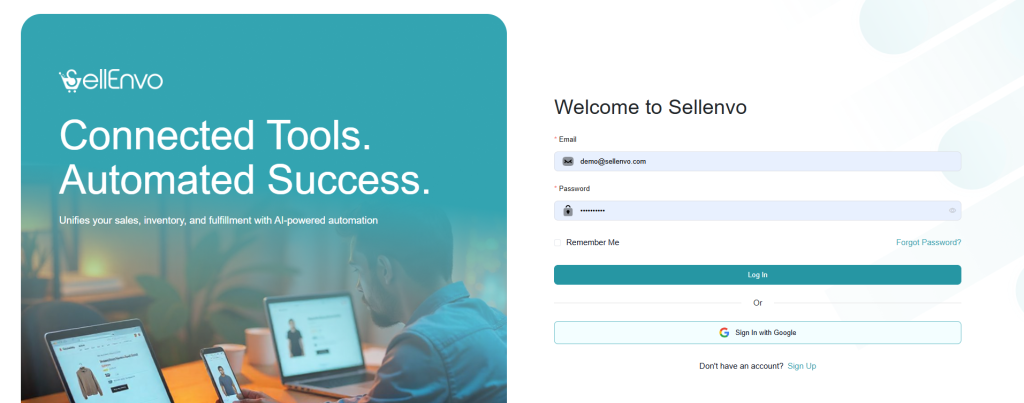
To access your SellEnvo account:
- Go to the Log In page.
- Enter your:
- Password
- (Optional) Check Remember Me to stay logged in on your device.
- Click Log In.
Forgot Your Password?
If you forgot your password, click Forgot Password? and follow the instructions to reset it.
Sign In with Google (Optional)
You can also click Sign In with Google to access your account quickly.
Don’t Have an Account?
Click Sign Up to create a new SellEnvo account.